'%20fill='%23ccc'/%3e%3c/svg%3e)

1. What Construction Software Does in the Design Stage
Construction software includes digital applications created specifically for planning, modeling, and coordinating building projects. During the design phase, these tools are used to:
- Create precise floor plans and layouts
- Build 2D and 3D models of structures
- Simulate materials, lighting, and spatial relationships
- Identify clashes between architectural, structural, and MEP systems
- Share updates instantly across teams
Instead of guessing how something will work in reality, designers can test ideas digitally and validate them before construction starts.
2. Types of Construction Design Software You Should Know
Different stages of design require different tools. Most construction projects rely on a combination of software rather than a single platform.
Drafting and Concept Modeling
- AutoCAD – Widely used for technical drawings, layouts, and detailed plans
- SketchUp – Popular for quick 3D concepts and early design exploration
BIM (Building Information Modeling)
- Autodesk Revit – Integrates architecture, structure, and MEP into one intelligent model
- ArchiCAD – Strong architectural modeling with collaborative BIM workflows
Visualization and Presentation
- Lumion – Fast rendering for still images and animation
- Enscape – Real-time walkthroughs directly linked to design models
Coordination and Collaboration
- Navisworks – Model aggregation and clash detection
- BIM 360 / Autodesk Construction Cloud – Cloud-based document control and team coordination
Each tool plays a different role. Choosing the right mix depends on project complexity, team experience, and delivery requirements.
3. A Typical Digital Design Workflow
Modern construction design follows a clear, software-driven workflow:
Step 1: Early Concepts
Designers start with simple layouts or massing models to explore proportions, circulation, and basic form.
Step 2: BIM Development
The concept is developed into a detailed BIM model. Walls, floors, doors, systems, and materials are added with real-world data.
Step 3: Coordination
Structural and MEP models are combined with architectural designs to detect conflicts early.
Step 4: Construction Documentation
Plans, sections, schedules, and quantity takeoffs are generated directly from the model—ensuring consistency across all drawings.
Step 5: Visualization
High-quality renders and walkthroughs are created to help clients and stakeholders understand the design clearly.
This digital pipeline significantly shortens design cycles and improves accuracy.
4. Why Designers Rely on Construction Software
Compared to traditional design methods, construction software offers clear advantages:
Higher Accuracy
Designs are created to exact dimensions, reducing errors during construction.
Faster Revisions
Changes can be applied across the entire model instantly, saving time and effort.
Better Team Communication
Everyone works from the same model, reducing misunderstandings between designers, engineers, and contractors.
Built-In Data
Materials, quantities, and cost-related data are embedded in the model, supporting smarter decision-making.
Early Problem Detection
Clash detection tools identify conflicts before they become expensive on-site issues.
5. Bridging Design and Construction
Modern software doesn’t stop at the office—it extends directly to the job site:
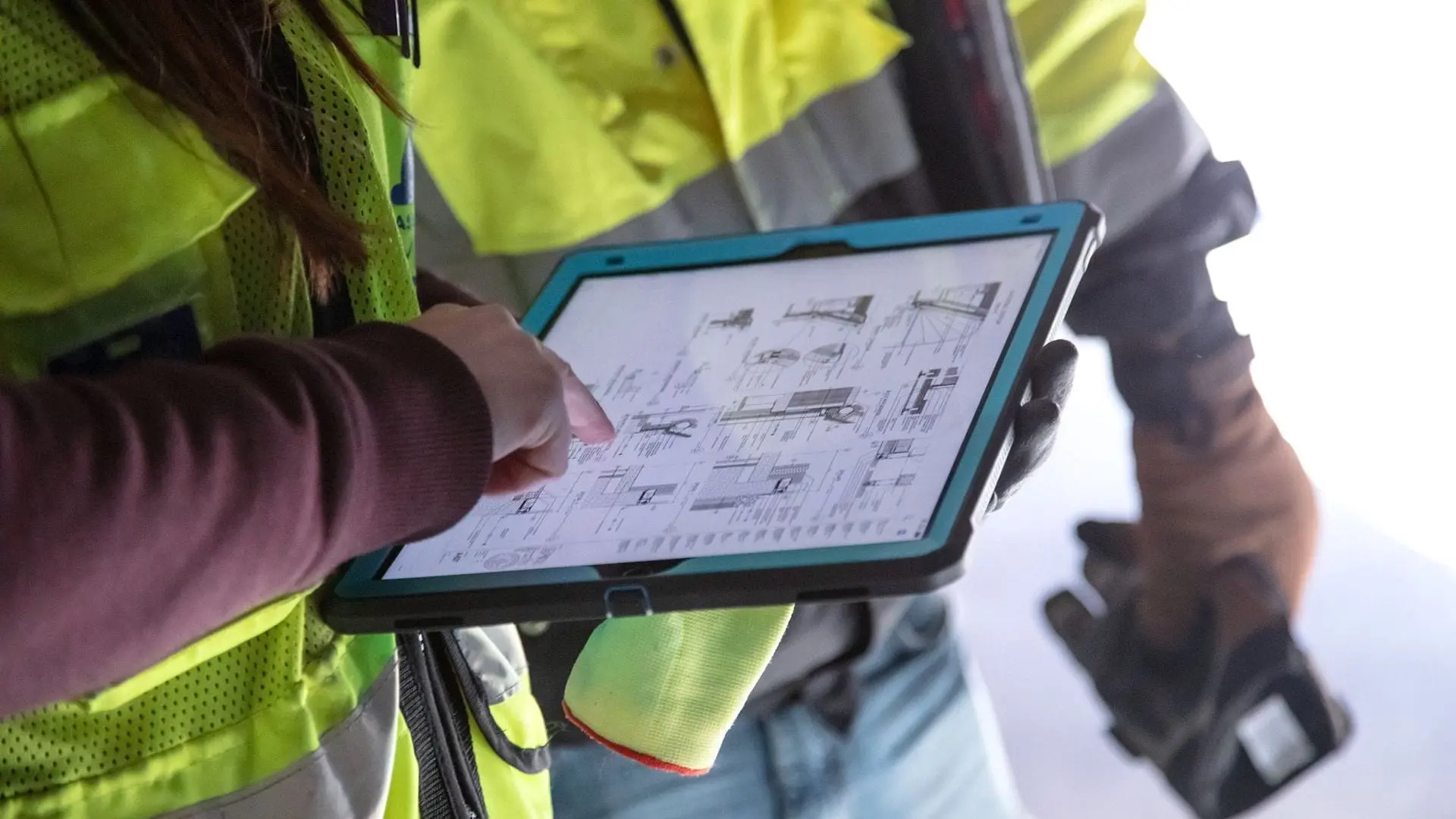
- Field teams access drawings and models on mobile devices
- Real-time updates ensure everyone works from the latest version
- Digital markups allow site feedback to flow back into the design instantly
- AR and 3D model viewers help crews understand complex details
This connection between design and construction improves efficiency and reduces delays.
6. Example: Designing a Residential Project Digitally
Here’s how a small residential project might be designed using modern tools:
- Planning – A floor plan is drafted in AutoCAD
- Modeling – The plan is converted into a full BIM model in Revit
- Coordination – Structural elements are checked for clashes in Navisworks
- Rendering – The model is visualized in Lumion with lighting and materials
- Delivery – Drawings and models are shared via BIM 360 for construction use
The result is smoother approvals, fewer revisions, and clearer communication with the client.
7. How to Learn Construction Design Software
Getting started doesn’t require years of experience. Many professionals learn step by step.
Learning Resources
- Official software tutorials
- Online courses on platforms like LinkedIn Learning and Udemy
- Community forums and discussion boards
Practical Tips
- Focus on one tool first
- Practice by modeling real buildings
- Study professional templates and sample projects
- Build a small portfolio to track your progress
Consistent practice matters more than learning everything at once.
Common Questions
Do I need BIM software to design buildings?
Not always, but BIM is highly recommended for larger or more complex projects.
Can these tools produce permit-ready drawings?
Yes. Many projects use software-generated drawings for official approvals.
Is construction software only for architects?
No. Engineers, contractors, and project managers all rely on these tools.
Are there free options to start with?
Yes. Many platforms offer free trials or educational licenses.
Final Thoughts
Construction software has reshaped how buildings are designed and delivered. It allows professionals to work with precision, collaborate effectively, and reduce risks before construction begins.
Whether you’re creating a simple layout or coordinating a complex BIM model, digital design tools are no longer optional—they’re essential. Learn the right software, refine your workflow, and design with confidence in a fully digital environment.